- Blog 1: Past Game Feature Overview and Meeting CPT Requirements
Blog 1: Past Game Feature Overview and Meeting CPT Requirements
Past Game Feature Overview (PPR)
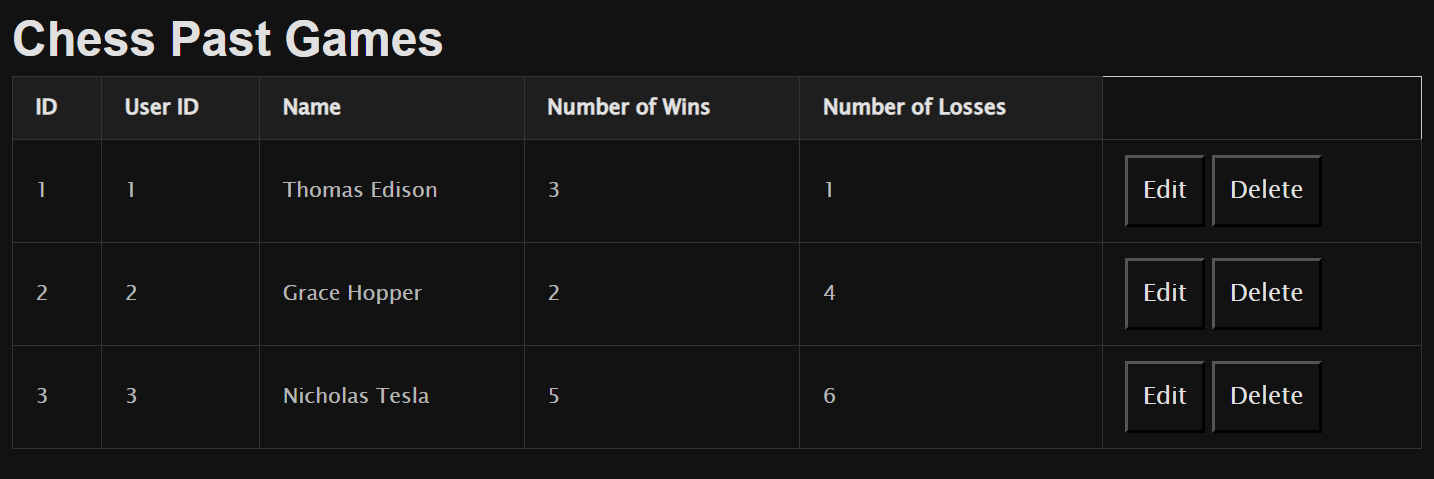
User and Login-Centric Design
The Past Game feature is designed with a strong emphasis on user experience and security. It’s tailored to provide users with an intuitive interface to manage their chess game history.
- User Authentication: Ensures that only authenticated users can access and manipulate their game data.
- Personalized Experience: Users can view, add, update, and delete their past game records, giving them full control over their data.
- Secure Data Handling: Implements secure communication protocols to protect user information.
How the Past Game Feature Meets CPT Requirements
Input and Output from User’s Perspective
- Input:
- Users input game details such as winner, ELO rating, and unique game ID.
- Inputs are provided via a secure, authenticated web interface.
- Output:
- Users receive confirmation messages upon successful operations.
- The system displays updated game history reflecting recent changes.
CPT Language and FRQ Terminology
In developing the Past Game feature, I incorporated key programming concepts required by the College Board’s Create Performance Task (CPT). Below are code snippets from my feature that demonstrate these concepts.
Procedures: Developed functions that include sequencing, selection, and iteration.
Sequencing: The order in which statements are executed in a program.
Selection: Making decisions based on conditions (e.g., if statements).
Iteration: Repeating a sequence of statements (e.g., loops).
Code Snippet Demonstrating Sequencing, Selection, and Iteration:
# Function to update a past game record (models.py)

def update(self, winner="", elo=0):
    # Sequencing: steps executed in logical order
    if len(winner) > 0:
        # Selection: condition to check if winner is provided
        self.winner = winner
    if elo > 0:
        # Selection: condition to check if ELO is provided
        self.elo = elo
    try:
        # Attempt to commit changes to the database
        db.session.commit()
        return self
    except Exception as e:
        # Handle exceptions and rollback
        db.session.rollback()
        return None
- Sequencing: The code executes statements in a specific order to perform the update.
- Selection: The
ifstatements decide whether to update certain fields based on provided input. - Iteration: While not explicitly shown here, iteration is used when processing multiple records.
Parameters and Return Values: Functions are designed with clear inputs and outputs to enhance modularity and reuse.
Code Snippet Demonstrating Parameters and Return Values:
# Function to create a new past game record (models.py)

def create(self):
    try:
        # Add the new game to the session
        db.session.add(self)
        # Commit the session to save the game
        db.session.commit()
        return self  # Return the created game object
    except IntegrityError:
        # Handle integrity errors (e.g., unique constraints)
        db.session.rollback()
        return None
- Parameters: The method operates on
self, which contains attributes likewinner,elo, anduid. - Return Values: Returns the
selfobject upon successful creation, orNoneif an error occurs.
Calling Procedures: Demonstrating how procedures are invoked within the program.
Code Snippet Showing Procedure Calls:
# API endpoint to create a new past game (routes.py)

@app.route('/pastgame/create', methods=['POST'])
def create_past_game():
    data = request.get_json()
    # Create a new instance of pastGame
    new_game = pastGame(
        uid=data['uid'],
        winner=data['winner'],
        elo=data['elo'],
        user_id=current_user.id
    )
    # Call the create method
    created_game = new_game.create()
    if created_game:
        return jsonify(created_game.read()), 201
    else:
        return jsonify({"error": "Game could not be created"}), 400
- Procedure Call:
new_game.create()invokes thecreatemethod to save the game. - Parameters: Data from the user is passed to initialize the
pastGameobject. - Return Value: The result of
create()is used to determine the response.